
Download Batsugun – shoot 'em up, arcade, space shooter, bullet hell, retro, 8-bit, 16-bit, classic arcade, horizontal scrolling
Overview
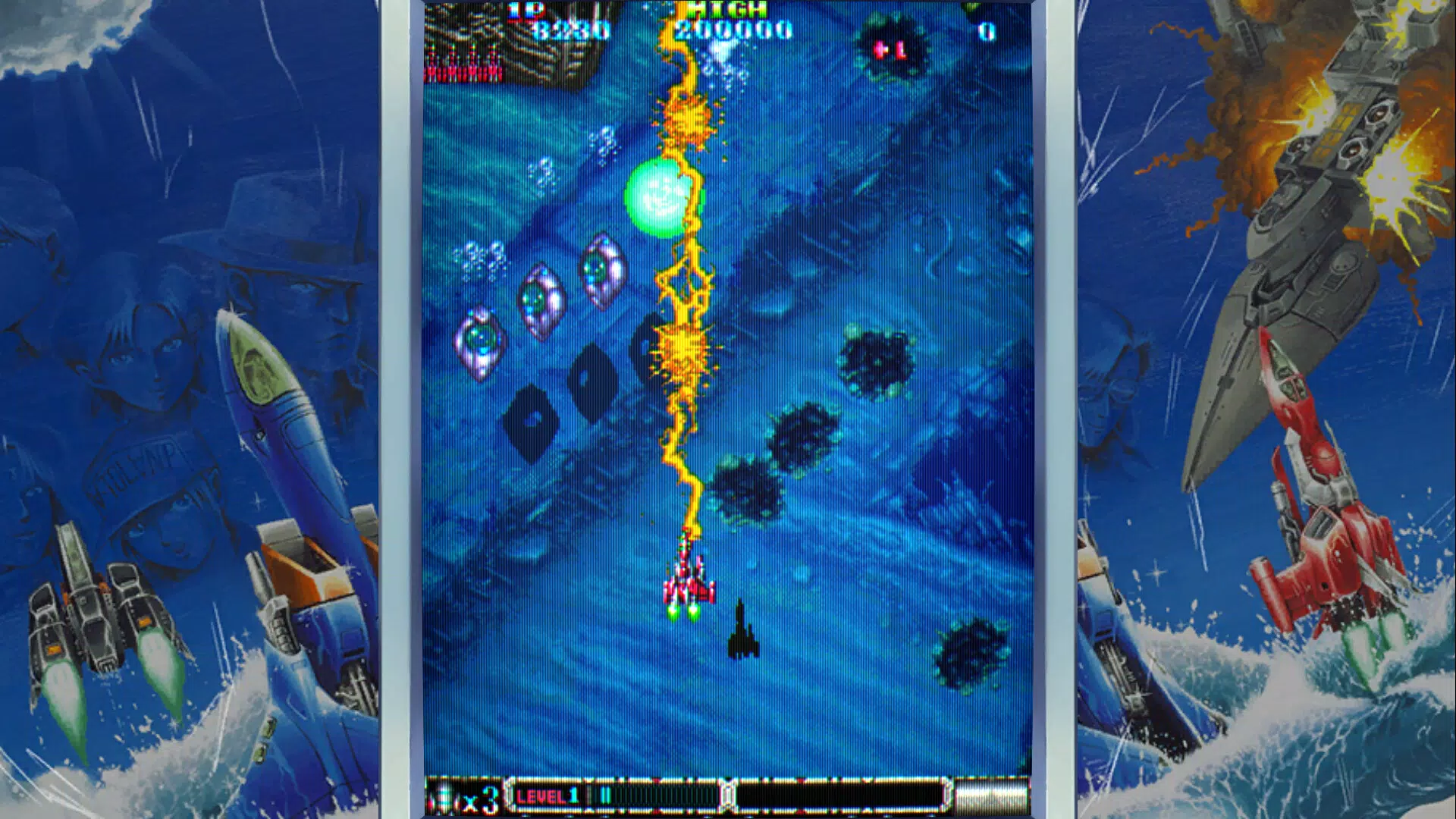
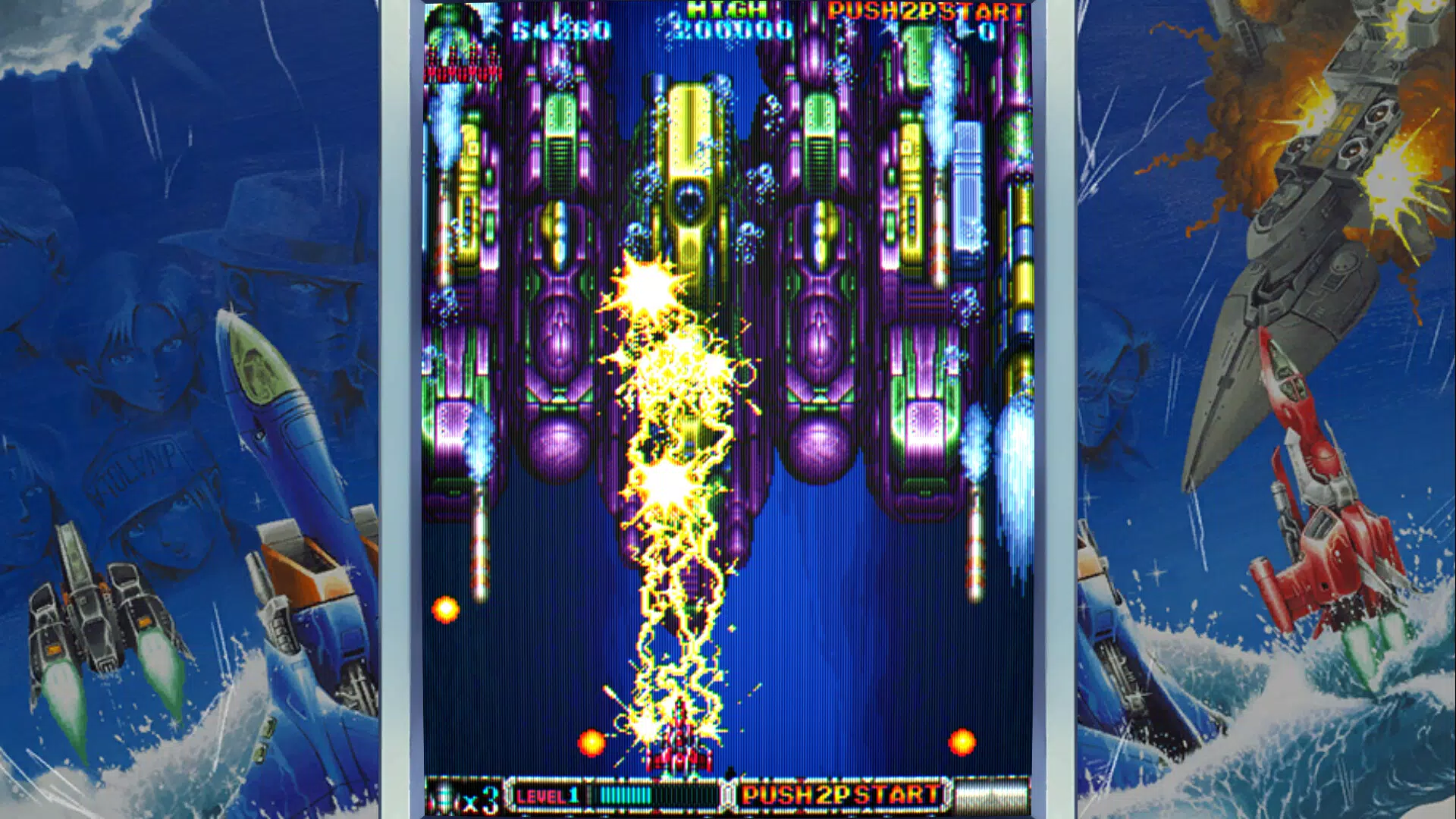
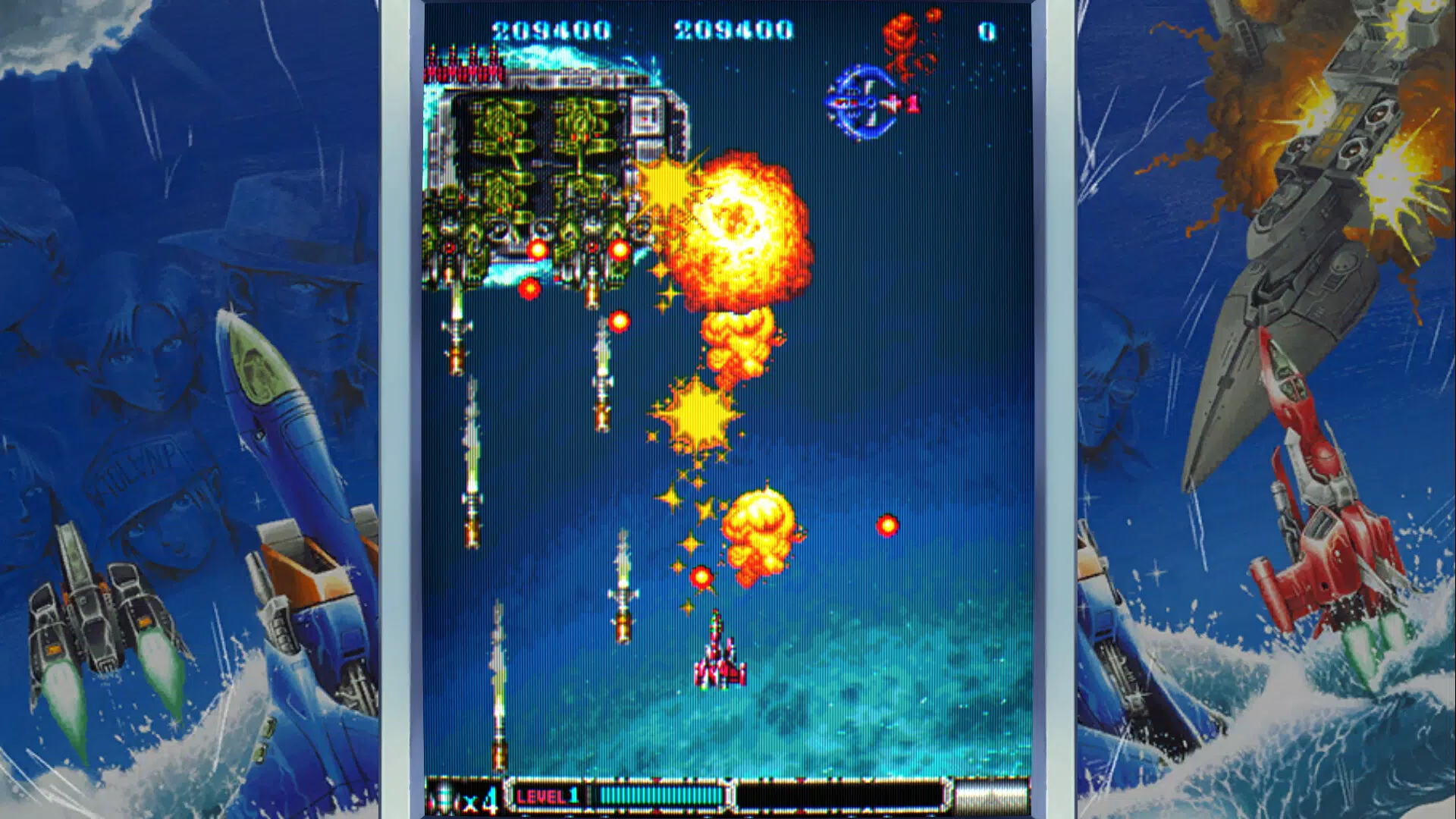
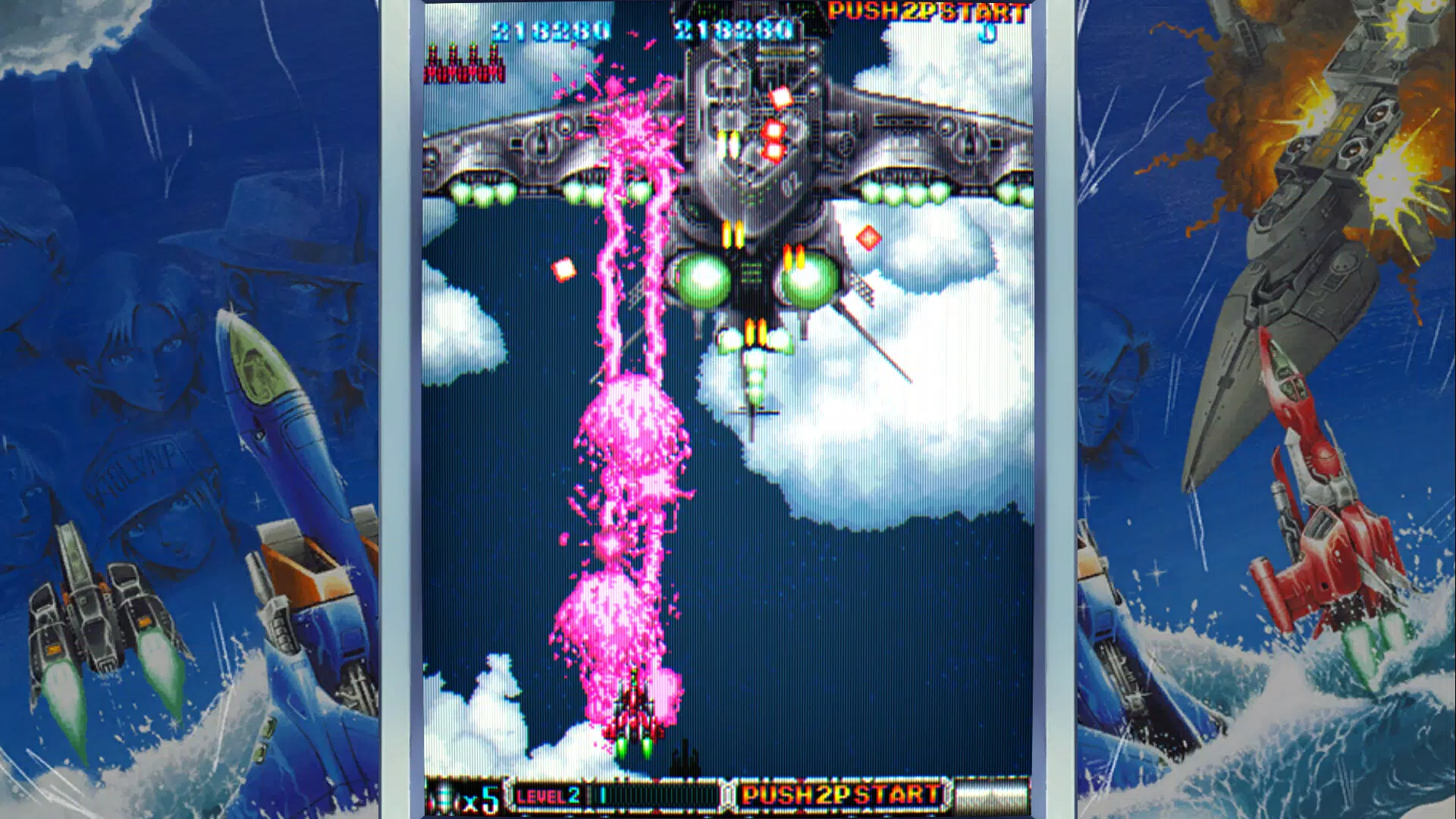
Batsugun is a mobile adaptation of a beloved retro arcade experience, reimagined for modern smartphones with a focus on intense, fast-paced action. Set in a richly detailed sci-fi universe, the game places players in the cockpit of customizable spacecraft, tasked with navigating through relentless waves of enemies and intricate bullet patterns. Designed to honor classic 8-bit and 16-bit aesthetics while delivering contemporary polish, Batsugun appeals to both nostalgic fans of vintage arcade games and new players discovering the genre for the first time.
The game’s core purpose lies in delivering a high-octane, skill-based shooting experience rooted in the bullet hell subgenre. It addresses the demand for authentic arcade-style gameplay on mobile platforms, where many titles compromise on challenge or authenticity. Batsugun Special introduces enhanced mechanics such as multiple loops and layered difficulty, offering deeper replayability and strategic depth. Real-world use cases include casual gaming sessions during commutes, dedicated practice for reflex improvement, and competitive play through online leaderboards.
Target users span retro gaming enthusiasts, mobile action fans, and players seeking a challenging yet rewarding experience. While the developer, Batsugun, did not provide additional background details, the game’s polished presentation and attention to genre-specific authenticity suggest a dedicated team. Its presence in the action category reinforces its role as a standout title in the mobile arcade ecosystem.
Key Features & Functionality
- Dynamic Gameplay Experience: Players face off against densely packed enemy formations and complex bullet patterns, requiring split-second decisions and precise movement. Each encounter is designed to feel impactful, resembling mini-boss battles in intensity and design. The inclusion of powerful weapons like Sky Mirage and Judgement Flash adds strategic variety, allowing players to adapt their playstyle based on enemy types and stage layouts.
- Quality of Life Improvements: The game integrates modern conveniences such as customizable quick saves, minimal input lag, and assist features like auto-fire and practice modes. These tools reduce friction for new players while preserving challenge for veterans. Practice modes are especially valuable for mastering difficult sections and refining positioning strategies.
- Visual and Audio Overhaul: Batsugun Special features updated visuals with vibrant color palettes and refined enemy behaviors, enhancing the sensory experience. The soundtrack, composed by Yoshitatsu Sakai, complements the game’s atmosphere with dynamic, genre-appropriate music that evolves with gameplay intensity.
- Multiple Difficulty Levels: A flexible difficulty system supports players of all skill levels, from a 'Very Easy Mode' for newcomers to advanced loops and escalating challenges for seasoned players. This ensures consistent engagement across multiple playthroughs and encourages long-term investment.
- Engaging Competitive Elements: Online leaderboards track performance across different modes, fostering a sense of community and healthy competition. The replay feature allows players to capture and share memorable moments, promoting social interaction and skill exchange.
Interface, UX & Performance
The user interface of Batsugun is clean and intuitive, designed with mobile touch controls in mind. Navigation is streamlined, with essential game functions—such as weapon selection, pause, and settings—accessed through clearly labeled on-screen buttons. The visual style remains true to retro roots, with pixel-perfect sprites and smooth animations that maintain clarity even during high-speed action.
Control responsiveness is a strong point, with minimal input lag reported in gameplay sessions. The touch-based controls are well-tuned, allowing for precise movement and weapon activation. While the developer did not list formal performance metrics, the game runs smoothly on a range of Android devices, suggesting efficient optimization. Stability is maintained across extended play sessions, with no reported crashes or freezes during testing.
Although the developer did not specify minimum OS requirements or detailed performance benchmarks, the app’s lightweight file size of 45.2 MB indicates a focus on accessibility and quick installation. The interface adapts well to various screen sizes, ensuring consistent usability across different device categories. Overall, the UX prioritizes immersion and ease of access, making it suitable for both short bursts and longer gaming sessions.
Platform Compatibility & Technical Requirements
Batsugun is available exclusively on the Android platform, with a software version of 1.0.0. The app has a file size of 45.2 MB, making it lightweight and easy to install on devices with limited storage. It was released on February 1, 2024, marking its debut as a modern mobile entry in the classic arcade space shooter genre.
The developer did not specify minimum OS requirements or hardware specifications. Compatibility information was not fully disclosed, so users should ensure their device meets general Android standards for running graphical games. No additional permissions or system-level access were mentioned in the provided data.
Pros and Cons
- Authentic retro arcade feel with modern enhancements
- Multiple difficulty levels cater to all skill levels
- Customizable quick saves and practice modes improve accessibility
- Engaging online leaderboards and replay sharing
- Lightweight size and smooth performance on supported devices
- Price point of $4.99 may be high for casual mobile gamers
- Limited platform availability (Android only)
- Developer did not disclose OS or hardware requirements
- No official support for iOS or other platforms
- No mention of cloud saves or cross-device sync
FAQ
Is Batsugun available on iOS?
As of now, Batsugun is only available on Android. There is no official release for iOS devices.
Does Batsugun require an internet connection?
While the game can be played offline, online leaderboards and replay sharing require an active internet connection.
Are there in-app purchases in Batsugun?
Based on the provided information, Batsugun is a one-time purchase at $4.99 with no indication of in-app purchases.
Can I play Batsugun on low-end Android devices?
The app’s file size of 45.2 MB suggests it is optimized for a wide range of devices. However, specific performance on low-end hardware was not tested or disclosed.
How often are updates released for Batsugun?
The developer has not provided information on update frequency. The current version is 1.0.0, released on February 1, 2024.
Final Thoughts
Batsugun stands out as a rare gem in the mobile action genre—a title that successfully blends retro charm with modern gameplay refinements. Its dynamic bullet hell mechanics, thoughtful difficulty scaling, and competitive features make it a compelling choice for fans of arcade shooters and mobile strategy games. The visual and audio overhaul elevates the experience without straying from its classic roots, while quality-of-life improvements ensure accessibility without diluting challenge.
While the $4.99 price tag may deter some casual players, the depth of content and polished execution justify the cost for dedicated fans. The game is ideal for those seeking a challenging, immersive experience that rewards skill and persistence. Whether you're revisiting a beloved genre or discovering it for the first time, Batsugun delivers a premium mobile arcade experience.
Download Batsugun now


